Get Positron Today on your home screen
A free one-tap install. Launches full-screen like a native app, reads offline, and keeps the positive news a single tap away.
✓ You've already installed Positron Today. Look for the atom icon on your home screen.
📱 iPhone / iPad
- Open this page in Safari.
- Tap the Share button (a square with an arrow pointing up).
- Scroll down and tap Add to Home Screen.
- Tap Add in the top-right.
🤖 Android
- Open this page in Chrome.
- Tap the install button above, or open the ⋮ menu.
- Choose Install app (or Add to Home screen on older Chrome).
💻 Desktop
- Open this page in Chrome or Edge.
- Click the install button above, or the install icon on the right of the address bar.
- Click Install.
On a different device?
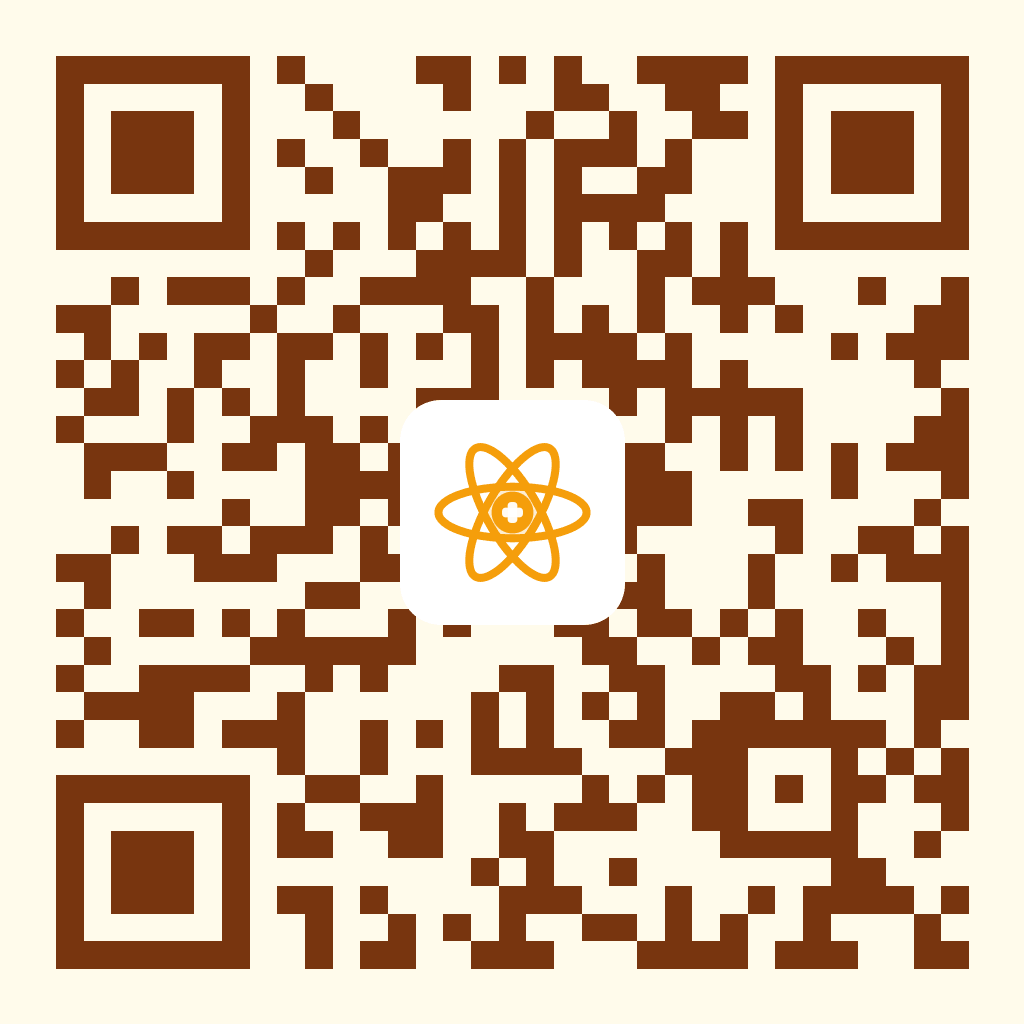
Scan this QR code with your phone's camera — it opens this install page so you can add the app.